


DTF printing - Custom DTF transfers
0,17 € HT
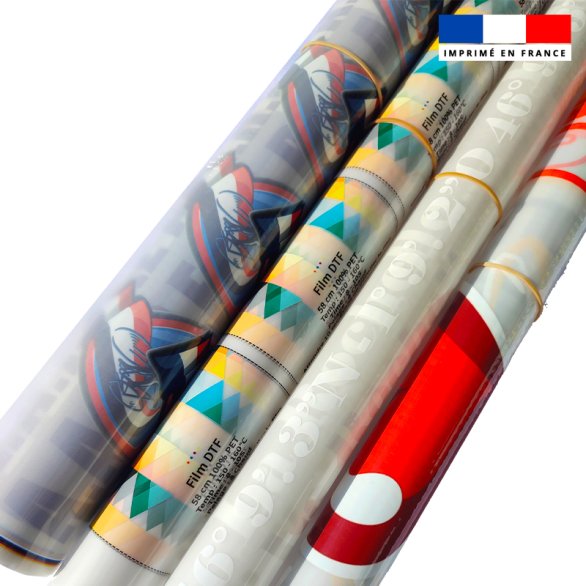
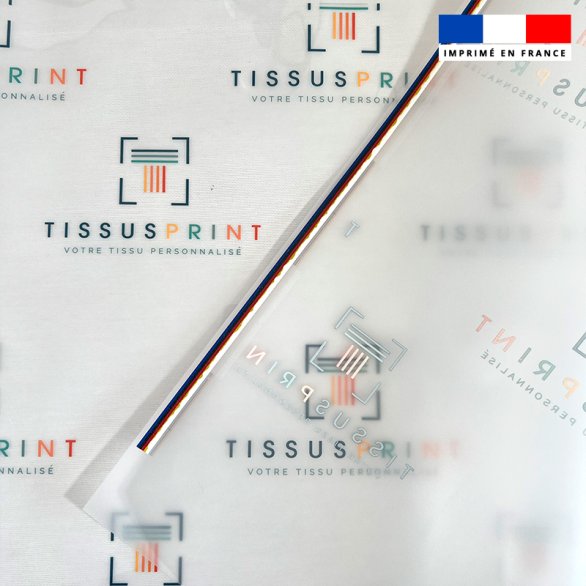
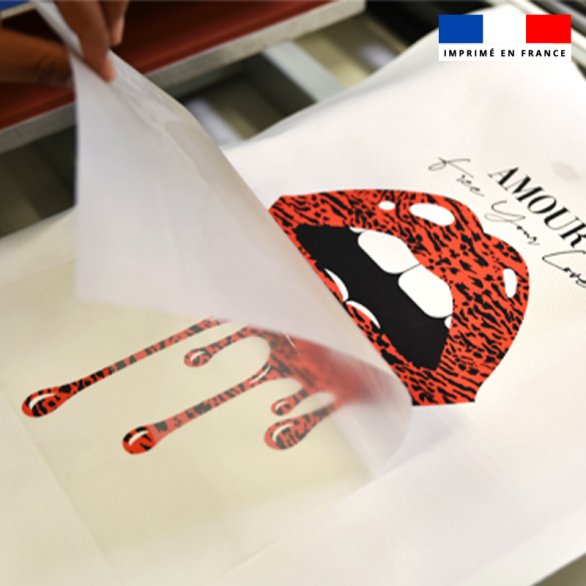
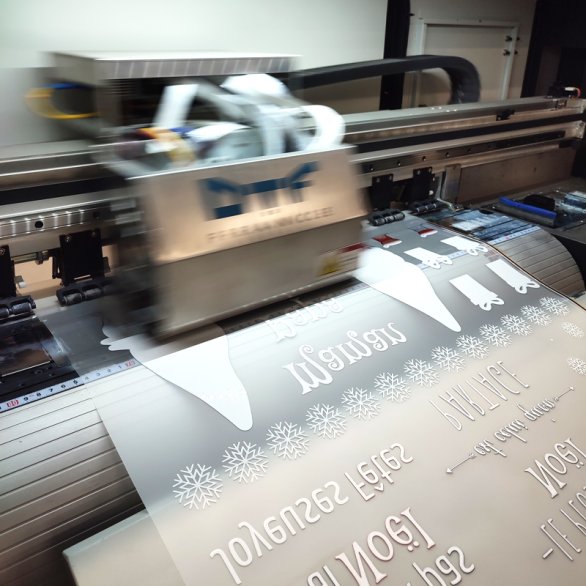
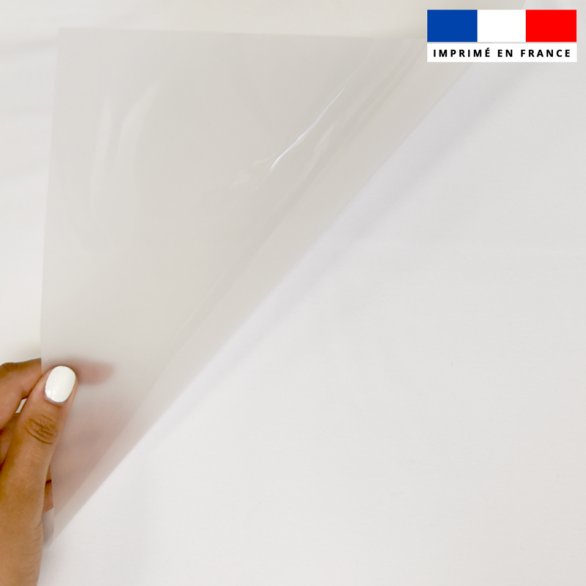
DTF - Print Film
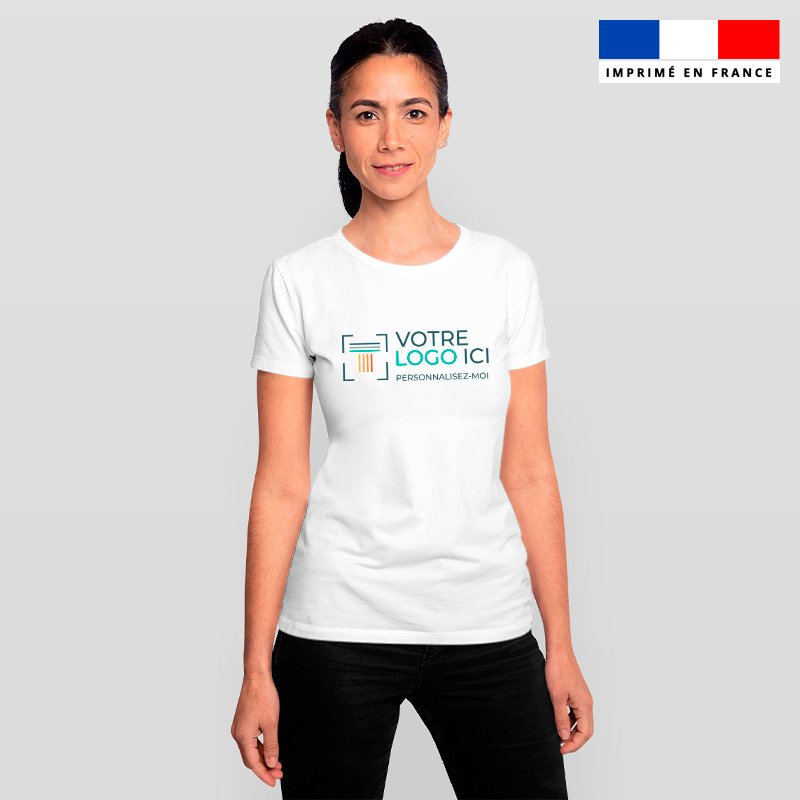
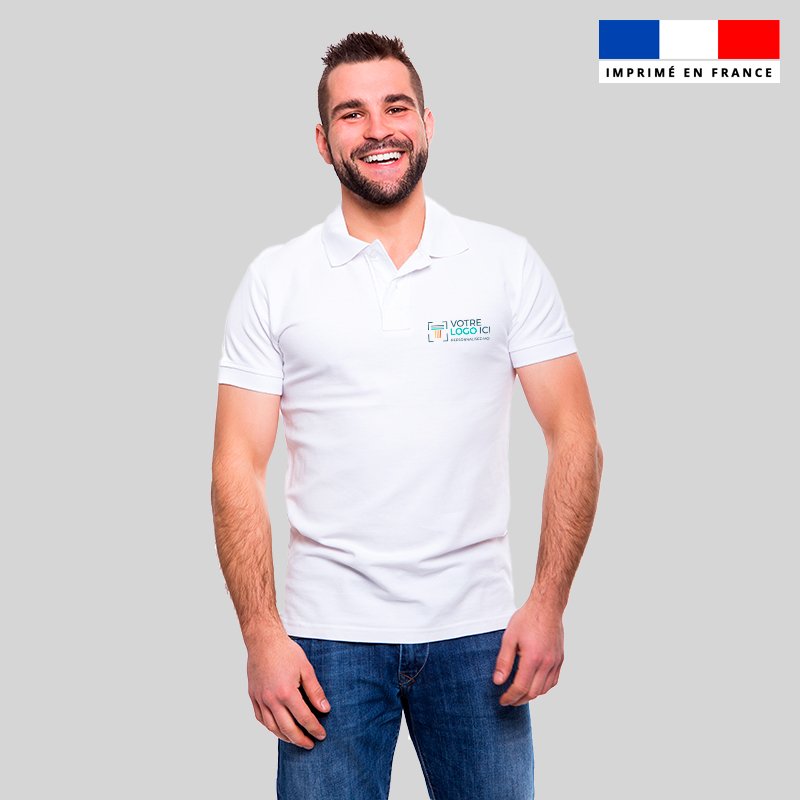
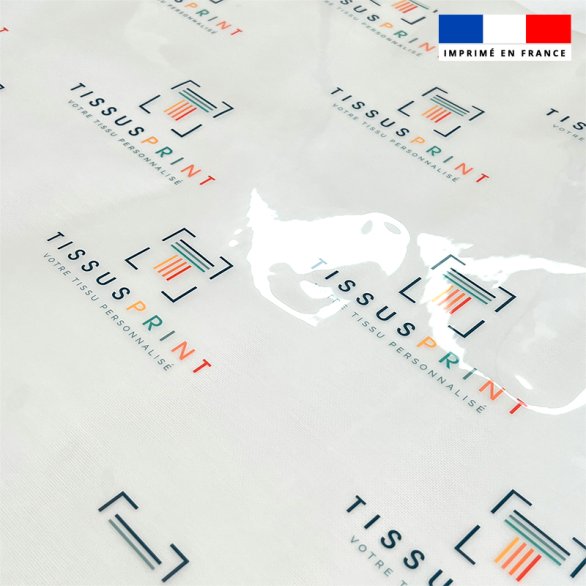
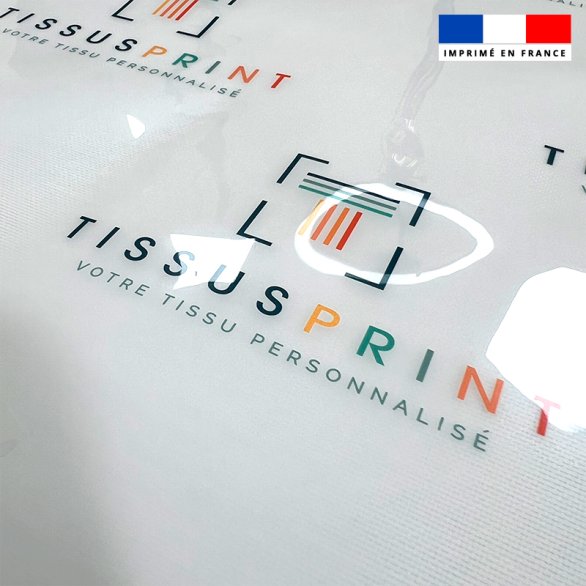
The DTF textile transfer film allows you to personalise all your textile creations (t-shirts, sweatshirts, polo shirts, shoes, tote-bags, cushions, etc.), and all natural (cotton) and synthetic (polyester and blends) materials.
DTF film offers great versatility in textile personalisation. Ideal for professionals who wish to personalise in large series.
Place your personalised film on your textile and iron it for 8 to 10 seconds following the application advice below:
- Price before tax: 16.67€.
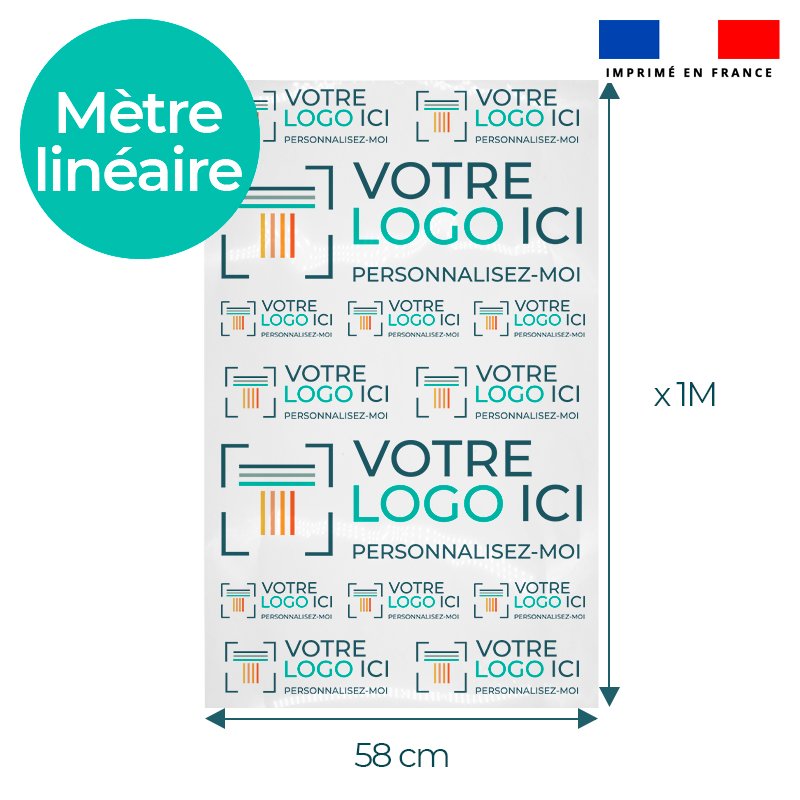
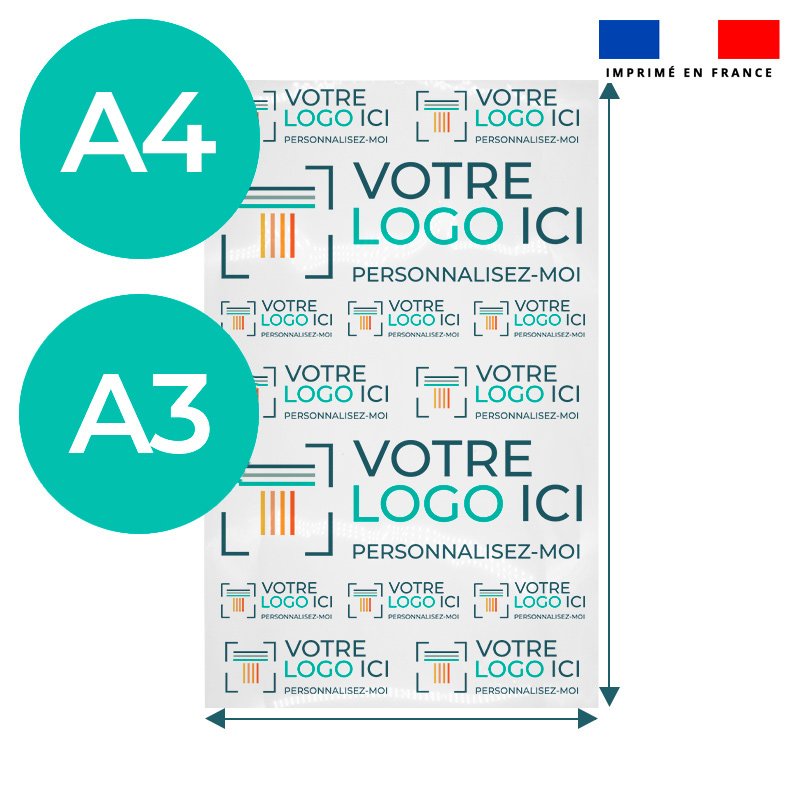
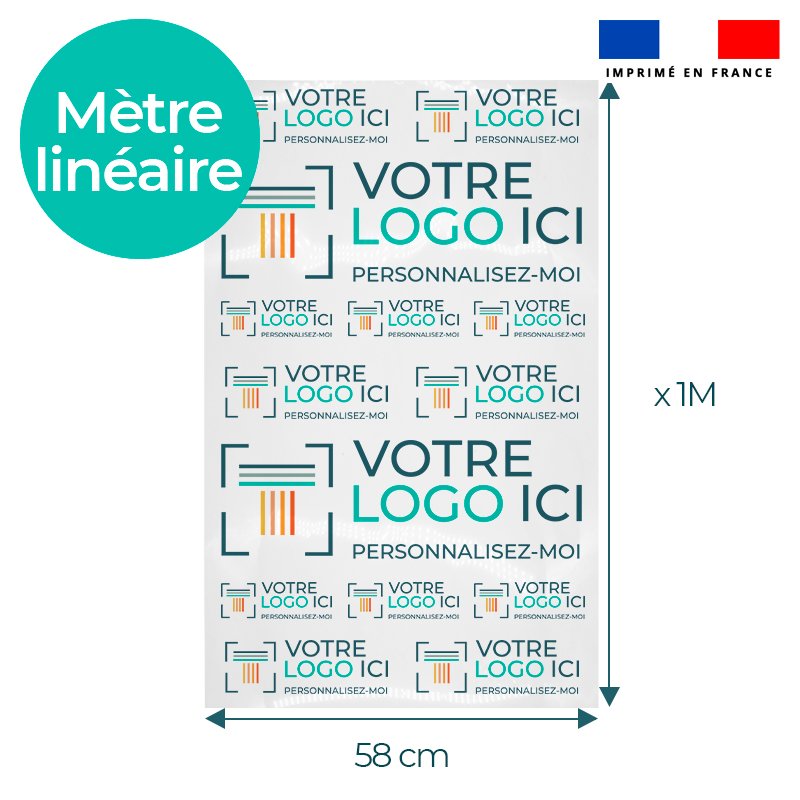
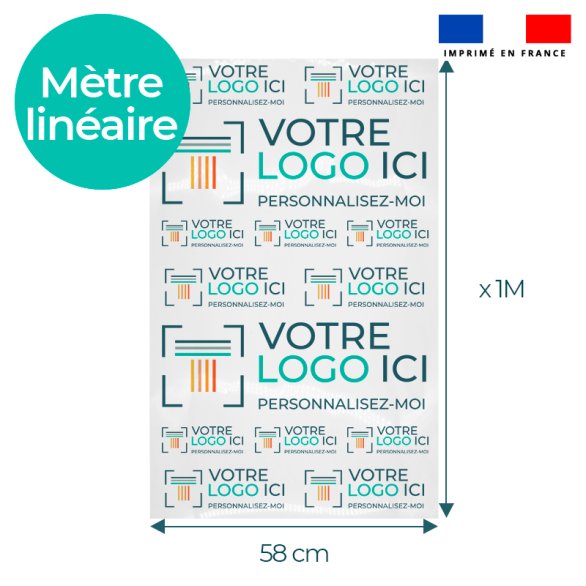
- Printable width : 58 cm
- Length : Per meter / Per centimeter
- Composition : PET
- Transfer type : DTF
- Compatibility: cotton, polyester, blend
- Printed in France
- Oeko-tex certified ink
Characteristics :
- File: PNG and PDF
- Transparent background
- Royalty free
Application conditions :
- Temperature: 150° C
- Application time: 8 to 10 seconds
- Pressure: medium
- Peeling: hot
| Type d'unités | meters |
| Marquage | Marquage Placé |
Advantages of DTF Film
- Maximum flexibility
Customise all types of textiles, whether light or dark. (Examples: t-shirts, sweatshirts, tote bags, cushions, shoes) ➡️ Find out which materials are compatible with our materials guide - Customisation by the metre : Buy made-to-measure DTF film, from 50 cm upwards, for total flexibility.
- Files options : Upload your JPEG, JPG, PDF, PNG or TIFF/TIF files (transparent background, royalty-free).
- Integrated length calculator : Use our tool to determine exactly how much film you need for each project.
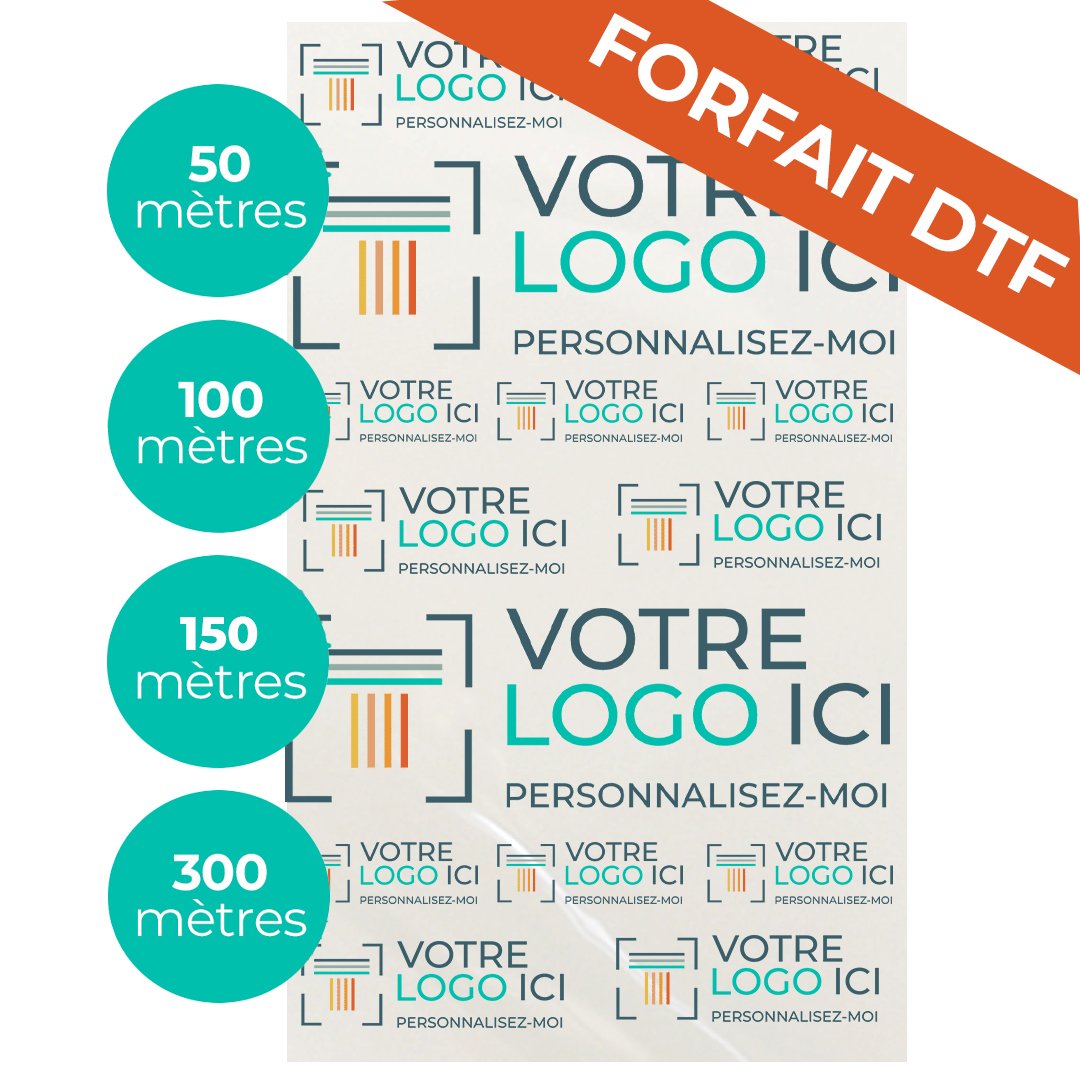
- Tapering rates : Take advantage of discounts from 10 m and 20 m ordered.
- Easy to apply : The film is easily applied with an iron or heat press (8-10 seconds, 150°C).
- High-resistance ink : OEKO-TEX® ink guarantees long-lasting, wash- and light-resistant prints.
- Printing in France : Locally manufactured for optimum quality and fast service.
How does it work?
1. Add your files
Upload your designs in JPEG/JPG, PDF, PNG or TIFF format (up to 20 files).
➡️ Find out more about preparing your designs.
2. Use the calculator
Enter the dimensions of your files in the fields provided, and the calculator will automatically determine the total length of film required in centimetres.
To find out the dimensions of your file, consult our printing guide under ‘How do I know the size of my file?
3. Prepare your files
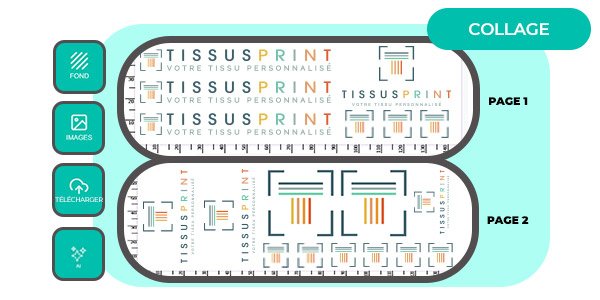
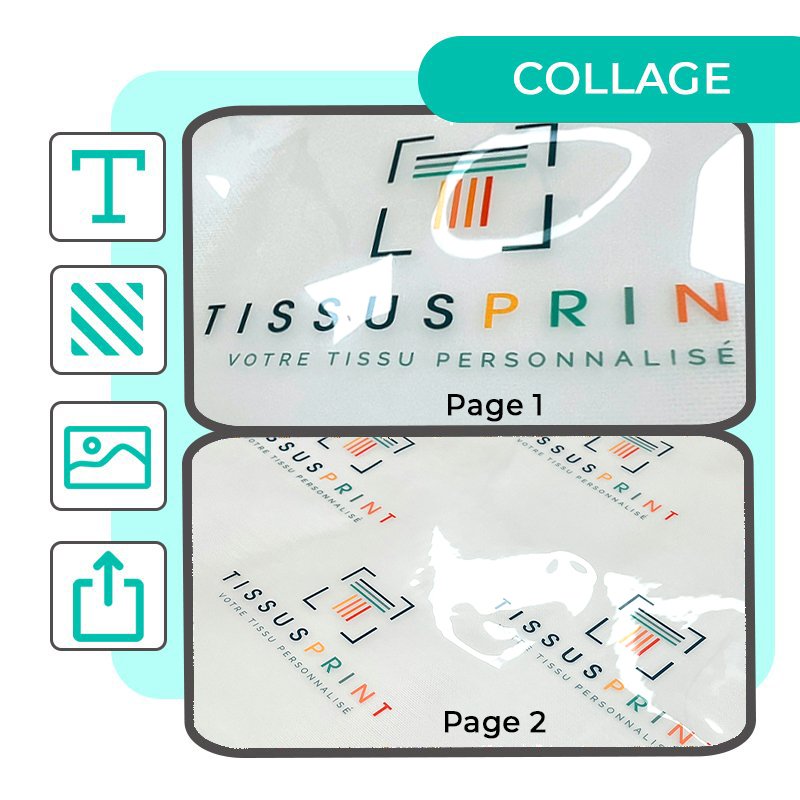
Add your files one by one, or create a single plate containing several designs for optimised printing.
➡️ Try our montage creation tool.
4. Add to basket
Check your files and add the quantity you require.
5. Order at
Place your order in just a few clicks.
BAT option
If you would like a preview before printing, you can request a ready-to-print option.
➡️ Find out more about the BAT option.
Tips for preparing your files
To guarantee top-quality printing, it is essential to comply with our technical guidelines: resolution, colourimetry and pattern shaping. These details ensure a precise rendering that is suitable for DTF transfer.
Related posts
View all
Nouveau billet

WHAT DOES “FABRIC WIDTH” MEAN IN SEWING AND WHY IS IT ESSENTIAL BEFORE PRINTING YOUR FABRIC?

HOW TO MEASURE YOUR DECK CHAIR FABRIC TO ORDER THE RIGHT CUSTOM REPLACEMENT?

Nouveau billet

Nouveau billet

High-Visibility Clothing: Standards, Customization, and Workplace Safety

HOW TO CHOOSE A CUSTOM COTTON BAG FOR YOUR BRAND OR BUSINESS?

LOOKBOOK: 5 INSPIRING IDEAS FOR USING CUSTOM OUTDOOR FABRIC

TREND 2026: CUSTOM SCARVES IN FASHION AND CORPORATE BRANDING
