


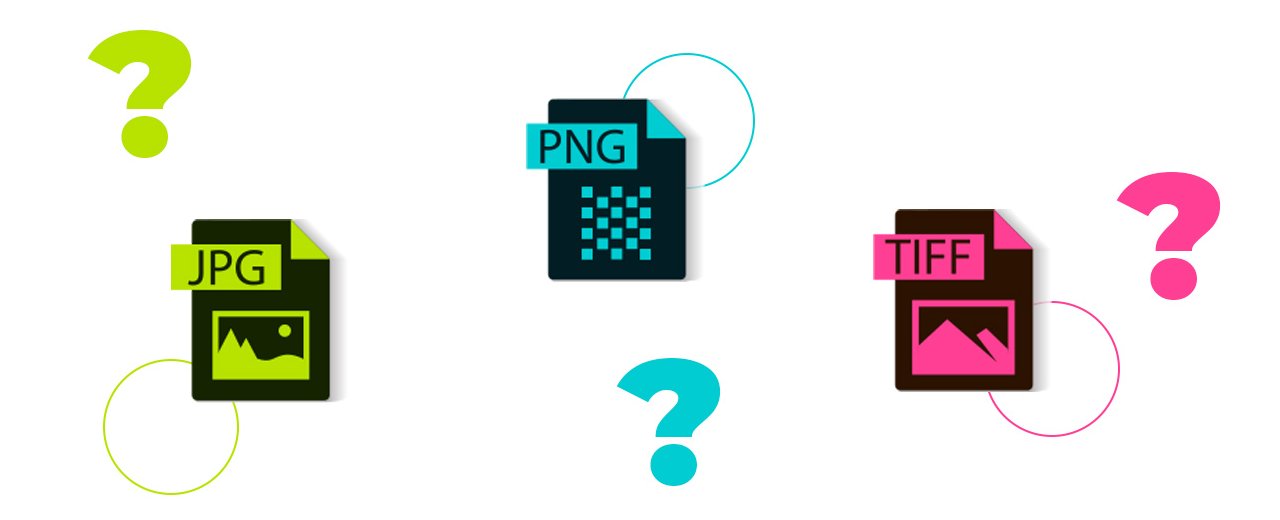
Welcome to Tissus Print, your expert in custom fabric printing! We understand the importance of choosing the right file format to ensure high-quality results. Whether you are preparing an image for fabric printing, DTF film, or other textile media, selecting the correct format can make all the difference. In this comprehensive guide, we explore the three main file formats used in fabric printing: JPEG, TIFF, and PNG, to help you determine the best printing format for your needs.
| Format | Print Quality | Transparency | Compression | Recommended Use |
|---|---|---|---|---|
| JPEG | Medium | No | Lossy | Web photos, quick previews |
| TIFF | Excellent | Yes (depending on options) | Lossless (LZW) | High-definition textile printing, DTF |
| PNG | Good | Yes (alpha) | Lossless | DTF with transparent areas |
1. JPEG: A Convenient but Limited Format for Fabric Printing
The JPEG format (Joint Photographic Experts Group) is widely used for web images due to its lossy compression. While convenient for online sharing, it may have limitations for fabric printing because of potential quality loss. If you choose a JPEG file, ensure you upload a high-resolution image with 300 DPI to achieve optimal results.
2. TIFF: The Best Format for Professional Textile Printing
The TIFF format (Tagged Image File Format) is our primary recommendation for fabric and DTF film printing when aiming for top image quality. Using LZW lossless compression, TIFF preserves image quality while reducing file size. For high-quality results, we recommend using TIFF, especially for fabrics, where clarity and detail are essential.
Advantages of LZW Compression:
- Reduced file size: LZW compression decreases TIFF file size without losing quality.
- Lossless data support: Unlike lossy formats like JPEG, LZW compression maintains full image quality.
3. PNG: Ideal for Printing with Transparency (DTF Film)
The PNG format (Portable Network Graphics) is perfect when transparency is required, making it an excellent choice for DTF (Direct to Film) printing. PNG files support alpha transparency, allowing areas to be transparent—essential for certain printing applications. For DTF printing, PNG ensures sharp and precise results.
Additional Tips:
- For fabric printing, make sure your file is in RGB mode (red, green, blue) for vibrant and accurate colors.
- For DTF film printing, remember to enable transparency mode when using TIFF if needed for optimal results.
By following these recommendations and selecting the correct image file format, you can guarantee outstanding results for your custom fabric printing projects with Tissus Print. Contact us if you have any questions or need further assistance.
Conclusion
In conclusion, choosing the right file format for your custom fabric printing projects at Tissus Print is crucial for optimal results. While JPEG is widely used for its online convenience, its lossy compression can compromise print quality. PNG, with its lossless compression and transparency support, is excellent for specific applications such as DTF film printing. However, our primary recommendation remains TIFF, offering exceptional image quality through lossless LZW compression, especially suited for fabric and DTF film printing. By following these guidelines and selecting the most appropriate format, you can ensure high-quality fabric prints that meet your specific needs. For more information or to start your custom printing project, contact our team at Tissus Print.
FAQ: Image Formats for Textile Printing
Which image format provides the best print quality?
TIFF is generally the best choice for high-quality printing as it preserves all image details without data loss.
Which format should I use for printing with transparency?
PNG is recommended when printing with transparent areas, especially for DTF film printing.
Can I print a JPEG file on fabric?
Yes, but quality may be reduced due to lossy compression. Use a very high-resolution JPEG (at least 300 DPI).
What is the best format for high-quality printing?
TIFF is the best option for high-quality printing. It retains all image details with lossless compression, ideal for fabric or DTF film printing.
Which format should be avoided for textile printing?
JPEG can be used, but it is less recommended due to lossy compression, which can visibly reduce print quality if the image is not high-resolution (minimum 300 DPI).
When should I use PNG for printing?
PNG is recommended when transparency is needed, such as for DTF film printing. It supports alpha transparency and provides good lossless image quality.
Should I use RGB or CMYK for textile printing?
At Tissus Print, we recommend preparing files in RGB mode to preserve vibrant, accurate colors, especially for textiles and DTF printing.
How do I optimize my file before printing?
Use 300 DPI resolution, choose the appropriate format (TIFF for quality, PNG for transparency), and avoid lossy compression. Ensure dimensions match the intended print size.


0 commentaires