


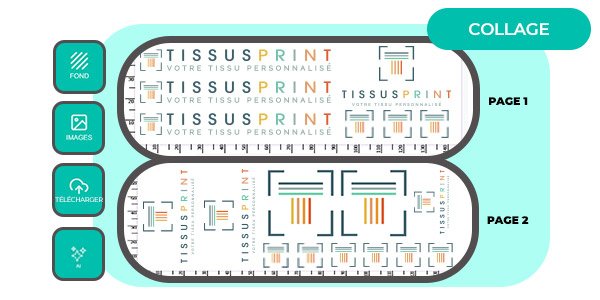
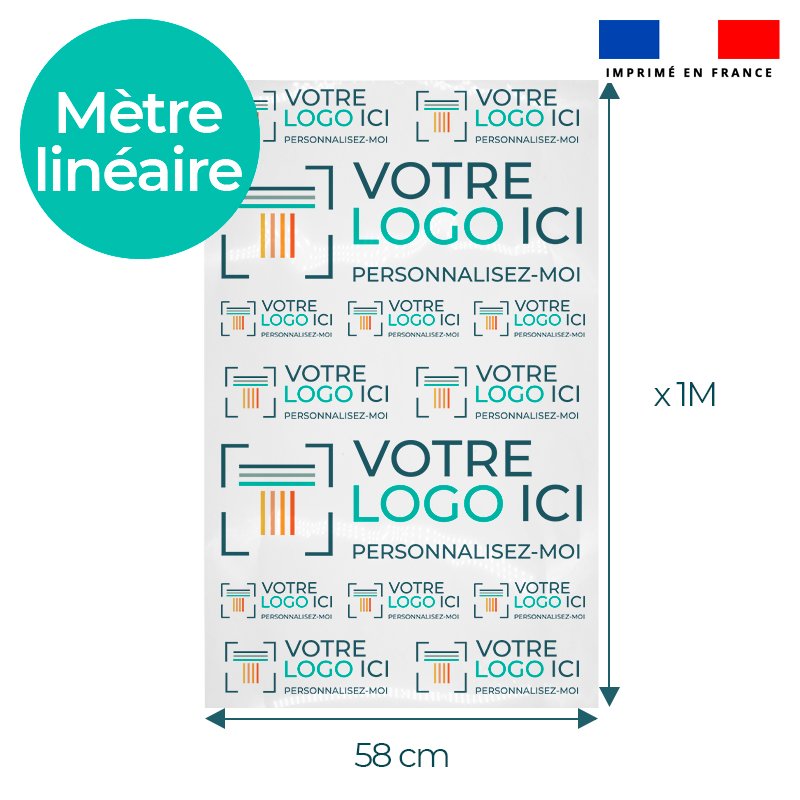
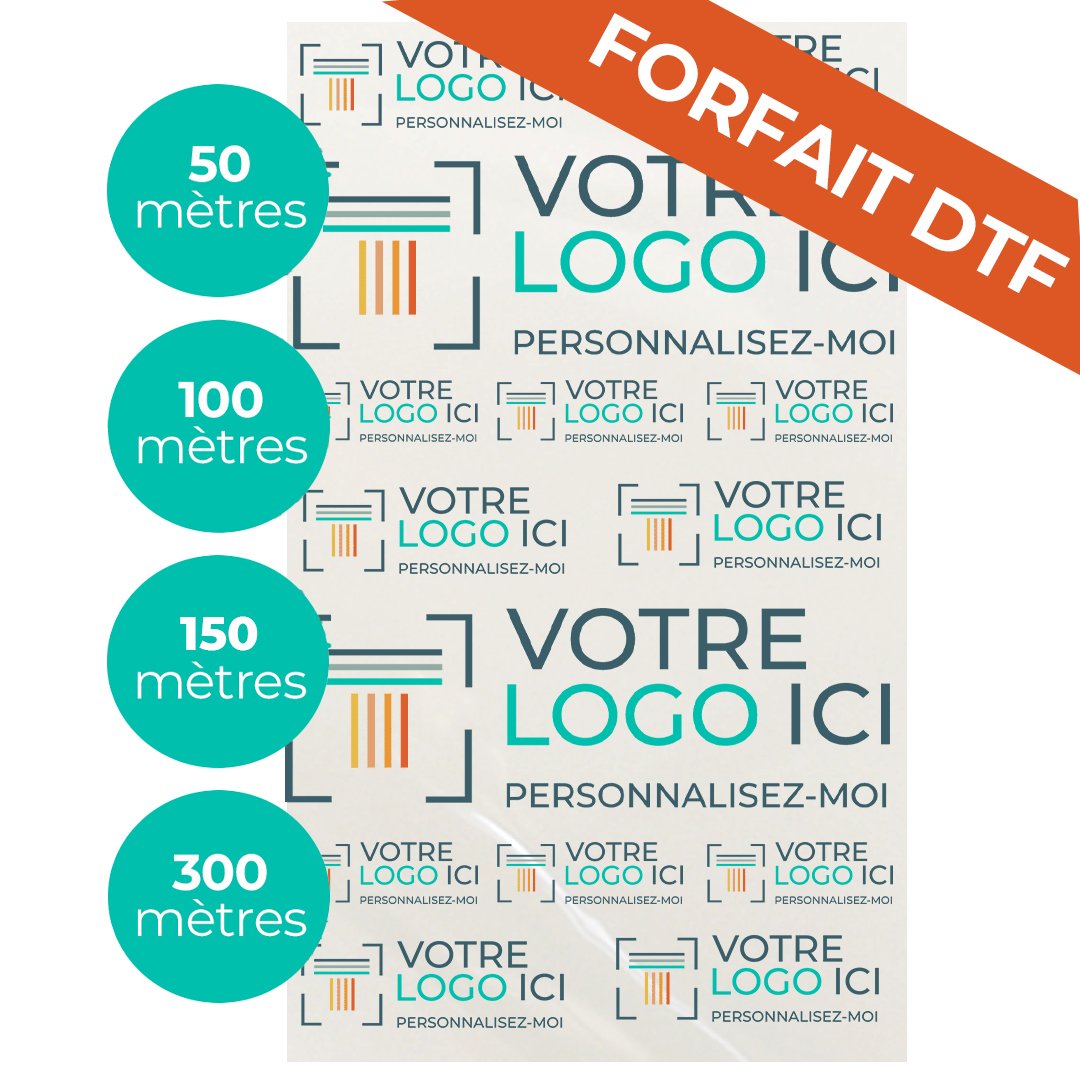

Preparing a DTF sheet with multiple logos helps optimize the printed area on the film, limit waste and reduce the overall cost of each textile marking. By grouping several files on the same length of film, each custom DTF film order becomes more cost-effective, especially for professionals, creators, brands and associations.
For a sports club, clothing brand or association, every centimeter of film counts. A poorly prepared sheet can result in waste, unnecessary cutting or a much larger film length than required.
Why does optimizing a DTF sheet help reduce costs?

The principle: making better use of the printable area
The price of a custom DTF film order primarily depends on the length of film used, not just the number of logos. Each design occupies a specific area of the film. The more intelligently the files are grouped, the less waste there is and the more controlled the cost per marking becomes.
Several types of markings can therefore be placed together on the same sheet:
- Small chest, heart or sleeve logos take up little space and can easily be combined.
- Printed textile labels or sponsor markings can be repeated in series.
- A large back design can be accompanied by several smaller complementary elements.
- Sufficient spacing must be maintained between each design to make cutting and application to textiles easier.
Real-life example: an association personalizing 50 sweatshirts with a chest logo and a back logo can significantly reduce its bill by planning the exact quantities of each design in a single grouped order.
To take your cost optimization further and understand exactly how an order price is calculated, see our complete guide to DTF printing prices and profitability factors.
How does custom DTF film by the meter work at Tissus Print?

An order based on length, calculated automatically
The online configurator for DTF film by the meter was designed to simplify the preparation of multi-logo orders. The process is straightforward:
- The customer uploads one or more graphic files.
- Up to 20 different files can be added to the same order.
- A different quantity can be defined for each file.
- The calculator automatically estimates the required film length based on the specified dimensions and quantities.
- The desired spacing between designs can be specified.
- A free-text annotation allows specific instructions to be sent to the workshop.
Benefits for professionals and creators
This system offers real flexibility for all types of customers, from micro-brands to sports clubs:
- Better budget control, without committing to large production runs.
- Orders adapted to small and medium-sized productions.
- The ability to repeat the same logo as many times as necessary.
- Freedom to test several designs in a single order.
- Printing carried out in France, near Toulon, in a workshop specializing in DTF textile printing.
How do you prepare a DTF sheet with multiple logos?
Step 1: list all the markings to be printed
Before configuring the order, it is useful to list all the designs to be produced. These markings may include:
- A chest or heart logo.
- A large back logo.
- A sleeve logo.
- A sponsor or partner marking.
- An event design.
- A printed textile label.
- A limited-edition design.
Step 2: define the actual dimensions of each logo
Sending a file without defining its final dimensions is one of the most common sources of errors. You should specify the exact width and height in centimeters, anticipate where the marking will be placed on the textile and check that small text remains legible.
Choosing the right format is essential for optimizing your budget. If you are unsure whether to choose a sheet or printing by the meter, see our detailed comparison of DTF by the meter vs. A4/A3 sheets to choose the most cost-effective solution for your project.
| Use | Indicative size |
|---|---|
| Chest logo | 8 to 10 cm |
| Sleeve logo | 5 to 8 cm |
| Back logo | 25 to 30 cm |
| Tote bag logo | 20 to 28 cm |
| Cap or accessory marking | 5 to 10 cm |
Step 3: repeat each file according to the desired quantity
The Tissus Print configurator allows you to define a different quantity for each uploaded file. The same design can therefore be repeated as many times as necessary. For more complex orders, the annotation field allows you to send additional instructions to the workshop.
Example of a useful annotation: "I would like the chest logo to be repeated 50 times and the back logo 50 times."
Step 4: allow suitable spacing between logos
Spacing that is too narrow makes cutting and application more difficult. Spacing that is too generous increases the film length unnecessarily. A 0.5 cm gap is suitable in most cases for small designs. For larger formats, more space is recommended to make application with a heat press easier.
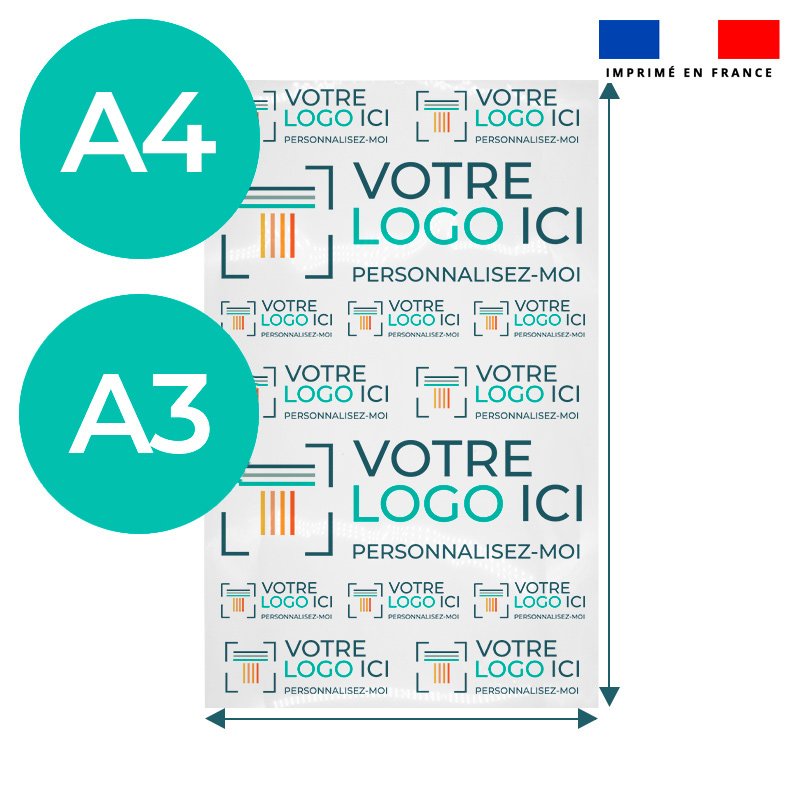
A4 sheet, A3 sheet or DTF film by the meter: which should you choose?
| Format | Ideal for | Main advantage |
|---|---|---|
| A4 DTF sheet | Testing, small logo, prototype | Simple, fast, no minimum order |
| A3 DTF sheet | Small series, several small logos | Good volume/price compromise |
| DTF film by the meter | Series, multiple logos, regular production | Optimized cost per marking |
| DTF package 50 to 300 m | Regular professionals | Advantageous fixed cost over the long term |
When should you choose an A4 or A3 sheet?
A4 and A3 sheets are suitable for the following situations:
- Testing a design before launching a series.
- Producing a prototype to present.
- Meeting a one-time or urgent need.
- Approving an online preview before final validation.
- Ordering a limited volume without commitment.
When should you choose DTF film by the meter?
DTF film by the meter becomes relevant as soon as there are several logos to print, a recurring order or a need to personalize several types of textiles at once. It is the most suitable solution for reducing the unit cost per marking on cotton, polyester or blended fabrics.
When should you switch to a DTF package?
DTF packages are intended for businesses with recurring needs: textile printing workshops, growing brands, associations or clubs that place orders throughout the year. Fixed pricing provides better long-term budget visibility.
Mistakes to avoid when preparing a DTF sheet
Before preparing your sheet, certain common mistakes can directly affect the quality and cost of your printing. We cover them in detail in our complete guide to mistakes to avoid with DTF film.
Sending files without a transparent background
A transparent background is essential for professional DTF printing. Accepted formats are PDF, PNG and TIFF/TIF. In DTF printing, white is printed as a color in its own right: a file with an unwanted white background will produce an incorrect result on the final textile.
Using a resolution that is too low
A minimum resolution of 150 dpi is required. A resolution of 300 dpi is recommended for a sharp result, especially if the design contains fine details or gradients. A file enlarged from a low-resolution source will appear blurry, even with a high-performance printing machine.
Adding details that are too fine
Lines thinner than 1 mm are not recommended. Micro-text and very fine details may not adhere properly to the textile or may peel off after washing. Legibility should always take priority over graphic complexity.
Using shadows or transparencies
Transparency effects and drop shadows are not suitable for DTF transfers. A clean, properly cut-out file without complex layer effects is always preferable to ensure a clean result and long-lasting durability on the textile.
Tissus Print expert opinion: profitability without compromising quality
To reduce the cost of a DTF order, you should not simply place logos as close together as possible. A good sheet must remain easy to cut, easy to apply and legible on the final textile. The best balance lies between optimizing film usage, file quality and ease of application.
In practice, a well-designed sheet provides several direct benefits:
- Optimizing space does not hinder application as long as sufficient spacing is maintained.
- Print-ready files avoid back-and-forth communication and additional delays.
- A well-structured sheet reduces workshop errors and helps ensure the final result.
- A proof (BAT) can be requested as an option to visually validate an important order before production begins.
- DTF textile transfer film is particularly suitable for multi-design production, where other techniques may impose minimum quantities per color or design.
Real-life example: optimizing a DTF order for an association
Here is a practical example representative of the orders regularly received by Tissus Print. An association wants to personalize:
- 40 cotton T-shirts with a chest logo (10 cm).
- 40 sweatshirts with a large back logo (28 cm).
- 20 tote bags with an event design (22 cm).
The recommended method for this order:
- Prepare the three files separately, in PNG format with a transparent background.
- Define the exact dimensions of each design before uploading.
- Enter the respective quantities (40 / 40 / 20) in the configurator.
- Check the automatically calculated film length and adjust the spacing if necessary.
- Add an annotation if a specific instruction needs to be sent to the workshop.
- Request a proof if the order needs to be approved before production begins.
Result: a clean order with no unnecessary film waste and an optimized cost per marking for each of the three textile references.
Conclusion
Preparing a DTF sheet with multiple logos is one of the most effective ways to control the cost of a custom textile order. By grouping designs, defining precise dimensions and avoiding common file errors, every centimeter of film is put to good use.
For creators, associations, clubs and clothing brands, custom DTF film by the meter offers rare flexibility: several designs, several quantities, one order. Printing is carried out in France, in a workshop specializing in textile printing, with a durable, wash-resistant result on cotton, polyester and blended materials.
Add your logos, define your quantities and automatically calculate the film length required for your custom DTF film.
Order my DTF filmFAQ
Can you put multiple logos on the same DTF order?
Yes, several files can be submitted in the same order. At Tissus Print, up to 20 different files can be added simultaneously, with a customized quantity for each.
How can you reduce the cost of DTF printing?
Costs can be controlled by grouping several logos on the same film length, repeating the required files, limiting unnecessary spacing between designs and choosing the order format suited to the actual volume.
What is the difference between an A4 DTF sheet, an A3 sheet and DTF film by the meter?
An A4 or A3 sheet is ideal for tests, prototypes or small one-time volumes. DTF film by the meter is better suited to series, multi-logo orders and regular production requiring optimized cost per marking.
What file format should be sent for DTF printing?
Accepted formats are PDF, PNG and TIFF/TIF, with a transparent background required. The file must be print-ready, copyright-free and must not exceed 100 MB.
What resolution is required for a DTF file?
A minimum resolution of 150 dpi is required. A resolution of 300 dpi is recommended for a sharp and detailed result, particularly for small text and fine graphic elements.
Can I request a preview before printing?
Yes, a proof (BAT) option can be requested for an additional fee in order to visually validate the result before production begins. This is strongly recommended for important orders or new designs.
Is DTF film suitable for textile printing professionals?
Yes, custom DTF film is particularly suitable for printing professionals, developing brands, associations and clubs that want to produce small, medium or large series with a durable result on light or dark fabrics.


0 commentaires