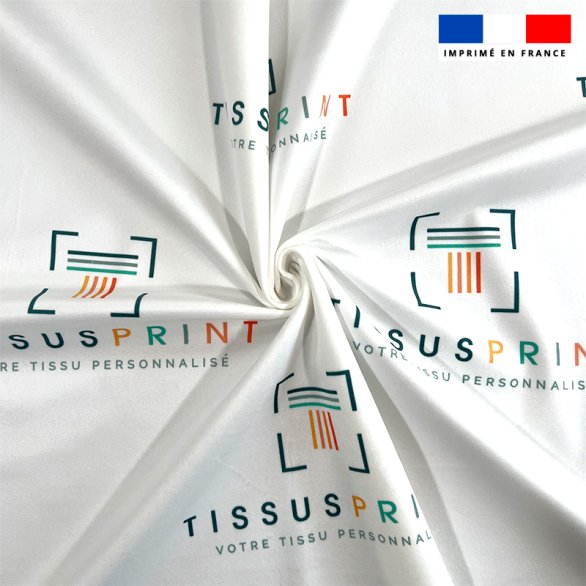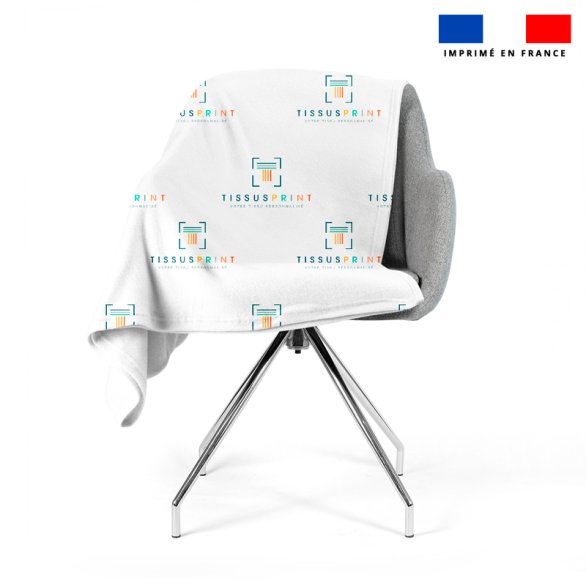
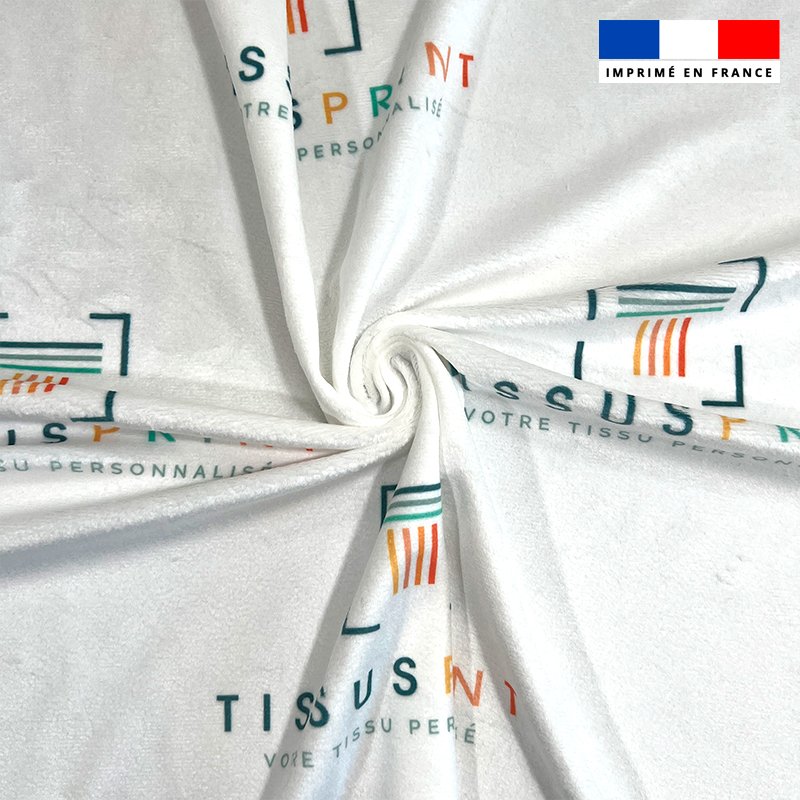
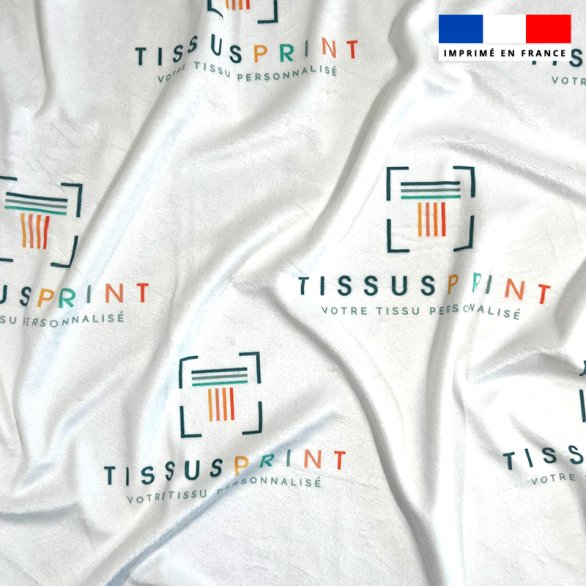
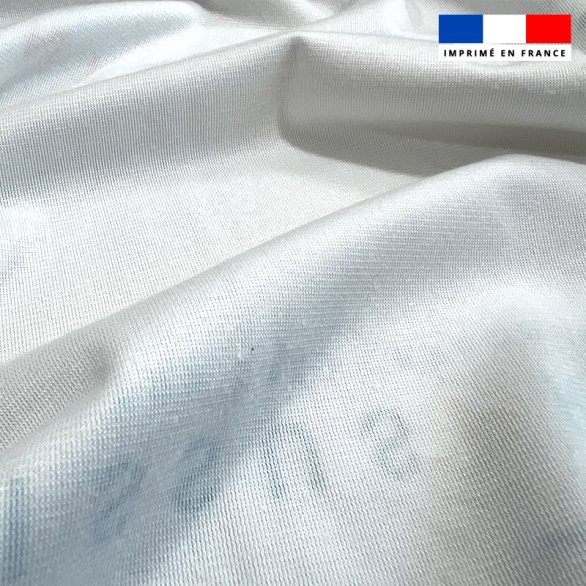
Silky polar Oeko-Tex® 260 gr / m² - Personalised printing
16,58 € HT

There are 0 items in your cart. There is 1 item in your cart.

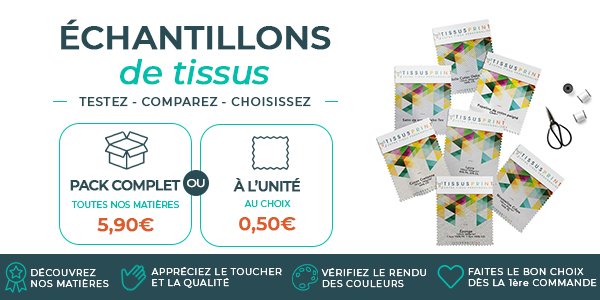
Warning: Last items in stock!
Availability date:
24,90 €
Offer sweetness and warmth to your creations with our personalized minky fabric Long-haired. Ideal for plaids, dandy, comforters or baby blankets, this oeko-tex® certified fabric is printed in high definition and easy to customize.
The fabric being with long hairs and the fiber of white origin, you can see the fabric fiber by brushing the hair.
More intuitive, faster and enriched with new features, it allows you to create your custom fabrics even more easily.
The old tool remains accessible 1 month, the time to take your brands. We invite you to test the new version and give us your opinion.
ANALYSE DE VOTRE FICHIER

QUEL TYPE D'IMPRESSION SOUHAITEZ-VOUS ?
QUELLE TYPE DE QUANTITÉ SOUHAITEZ-VOUS COMMANDER ?
VOTRE FICHIER ET IMPRESSION
SÉLECTIONNEZ VOTRE MÉTRAGE
VOS OPTIONS ET MÉTRAGE
| *PU / QUANTITY | x 1 M | x 10 M | |
| Minky blanc cassé 260 gr/m² - 145 cm | 24.90€ 20.75€ excl. VAT | 16.90€ 14.08€ excl. VAT | |
| *PU : Prix unitaire par pièce | |||
| Quantity | Price | You Save |
|---|---|---|
| 10 | 14,90 € | Up to 100,00 € |
| 1000 | 24,80 € | Up to 100,00 € |
| Type d'unités | meters |
| Composition | PES |
| Certification | Imprimé en France, Tissu OEKO-TEX®, EN-71 |
| Laize | 145 |
| Marquage | All Over, Marquage Placé |
| Entretien | Lavage à 30° |
| Largeur | 150 cm |
| Grammage | 260 gr/m² |
| Technologie d'impression | Sublimation |
| Utilisation | Linge de lit, Décoration d'intérieur, Vêtement, Accessoire |
Customizing
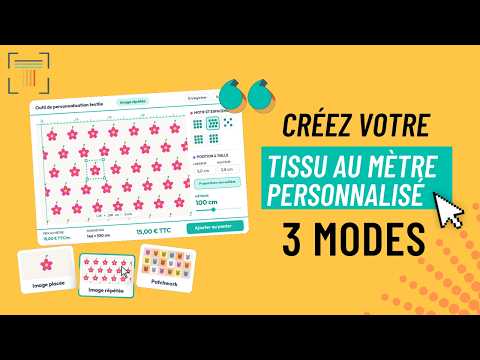
Choose the type of creation that matches your project. You can change your choice at any time.
📌
Position your pattern precisely on the fabric according to your dimensions.
🔁
Create a continuous repetition pattern for your tissue controls at the meter (All-Over). Command per meter or room.
🧩
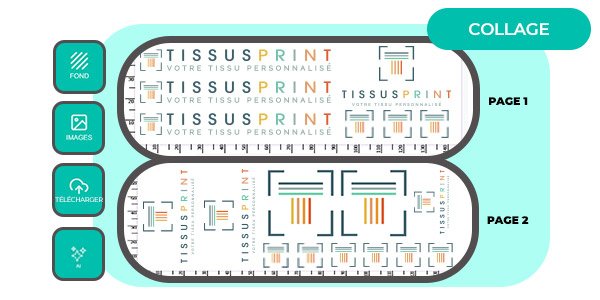
Assemble several mosaic images to create a single and original fabric patchwork.
Your order in 4 steps
🚨 We respect the copyright! Be sure to use only royalty free patterns or your own creations.
What you get to print
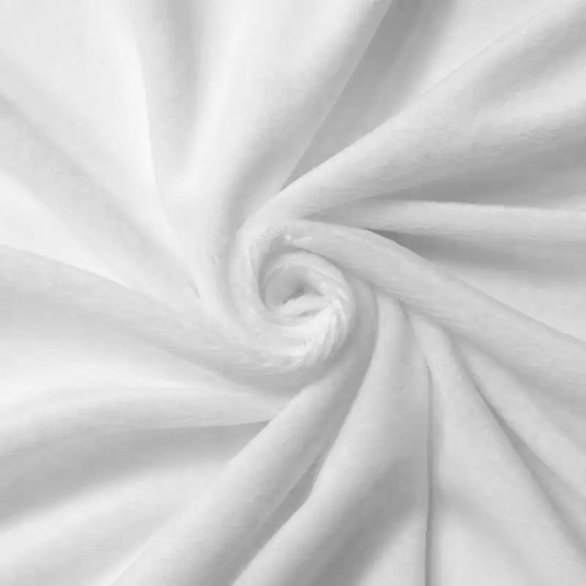
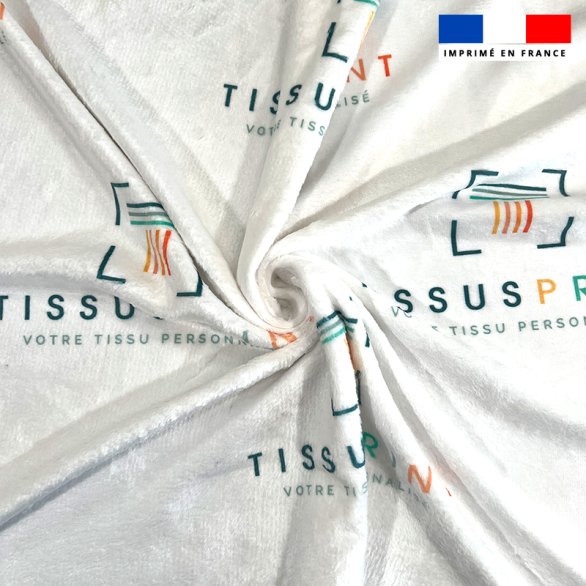
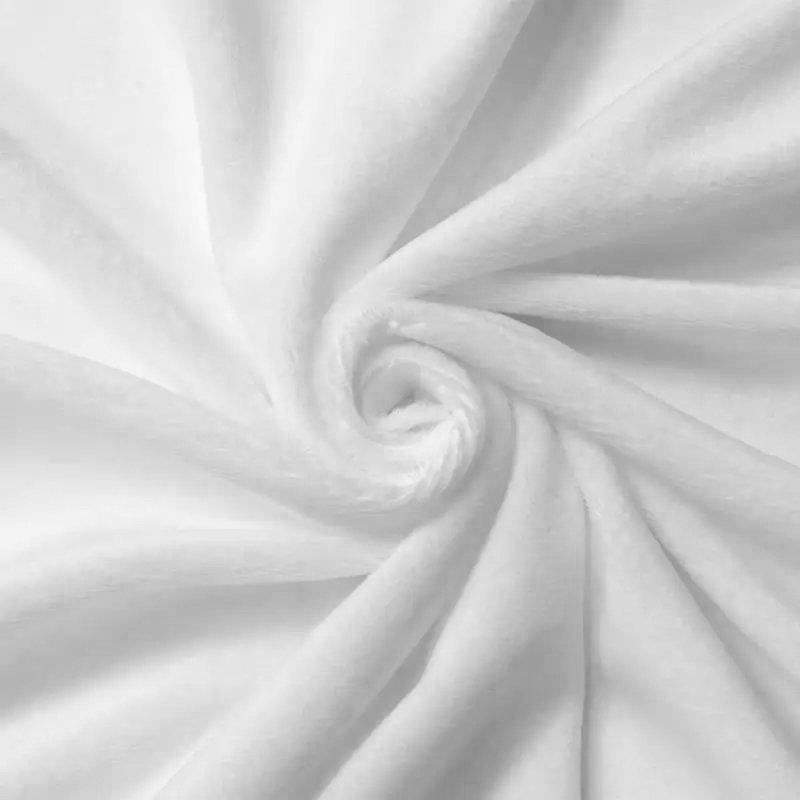
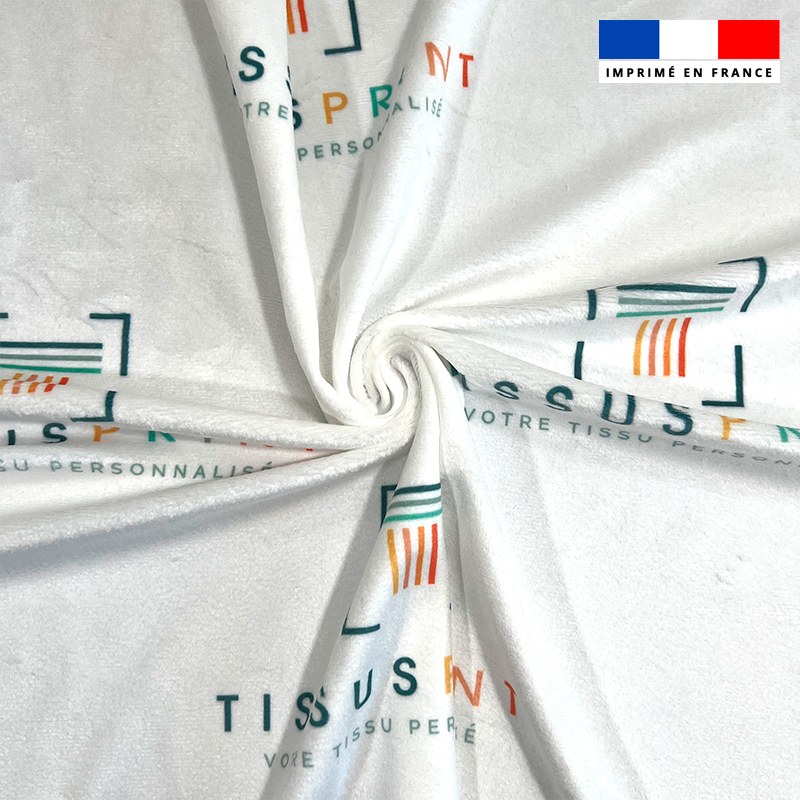
The Minky fabric is a thick and mellow fabric, long-haired, which offers a very soft velvet touch. Thesublimation printing On white fiber restores vibrant colors while maintaining the characteristic softness of the fabric.
Oeko-Tex® Standard 100 | EN71-3 | REACH compliant
Note: Minky is a long-haired fabric whose original fiber is white. By brushing the hair, it is possible to see this white fiber in transparency, a normal and clean phenomenon of this type of long-haired fabric.
⚠️ to predict before ordering
This material can shrink about 3% in width and 2.5% in length During printing and finishing. The final print footage can therefore be lower than the initial footage: Remember to integrate this rate into the dimensions of your file and in the amount needed for your project.
Print quality
What our sublimation printing The best restores on this Minky:
Do you already have your ready file?
Print quality
What our sublimation printing The best restores on this Minky:
Before
Your motive
After
✨
HD rendering
🎨
Bright colors
🔍
FIND DETAIL
⚫
Deep black
🧺
Washing resist
✨
HD rendering
Applications
You want an extra soft and secure fabric for a baby's plaid or hack watch? → This mink is for you.
Looking for a soft but finer fabric for an interior clothing? → Discover our Silky polar Oeko-Tex®.
You want an absorbent fabric for baby bath accessories? → Discover our sponge.
Looking for a more structured velvet for a garment or furniture? → Discover our velvet.
You want an extra soft and secure fabric for a baby's plaid or hack watch? → This mink is for you.
Looking for a soft but finer fabric for an interior clothing? → Discover our Silky polar Oeko-Tex®.
You want an absorbent fabric for baby bath accessories? → Discover our sponge.
Looking for a more structured velvet for a garment or furniture? → Discover our velvet.
Feeling
Sewing
Easy, needle adapted to thick fabrics
Thickness
Thick (260 g / m²)
To touch
Ultra soft, velvet effect
Heat
Excellent, hot fabric
Hair
Long, to brush regularly
Sewing
Easy, needle adapted to thick fabrics
Guide & Maintenance
Footage
Adjustable by slices of 10 cm, to control the exact length you need.
✂️ margins
A thin white border (less than 1 cm) is added by default around a coupon: Remember to provide an extra margin.
🎨 Colors
RGB mode, SRGB profile IEC61966-2.1 Recommended for a faithful impression, regardless of the chosen support.
🧩 Patchwork mounting
Each image of the assembly can weigh up to 100 MB individually.
Print guide
Create your personalised fabric happen in 5 simple steps :
We recommend a resolution between 150 and 300 dpi for a professional quality impression. Beyond 300 dpi, the file will be heavier without additional quality gain.
We can technically print any dpi, including a 72 dpi file (standard web quality) if you do not have a better resolution. However, it is important to understand that such a low resolution remains a restricted quality, thought for a screen display: the printing rendering will not be at the level of a high resolution file.
The size of the image will not be modified once it in our possession. It will be printed in scale 1/1 only, so it is necessary to check your file before sending to be certain that the size corresponds to your needs.
For a personalised fabric, the colored color profile applied depends on the tool used:
| Tool used | ICC color profile applied | Explanation |
|---|---|---|
| Personalized fabric Picture placed / Repeat image | Your own ICC profile | This is the ICC color profile integrated into your premium file: the one you apply to your visual will be used for printing. |
| Personalized fabric Patchwork mounting (several images on the board) | sRGB IEC61966-2.1 | As soon as more than one image is assembled on the Patchwork board, it is the color profile of the machine that is applied (cotton printing and polyester.) |
| DTF transfer movie (via the dedicated product sheet) | Free, with mandatory ICC | You can use the ICC profile of your choice, as long as it is built into the file. This guarantees a faithful conversion to our workflow. |
| Custom textiles (T-shirts, bags, pockets, etc.) | Artifex Software SRGB ICC Profile | This profile will be automatically applied when printing. For better color matching, use it from creating the file. |
Good general practices
We accept the files in color mode CMYK that RGB, however, we strongly recommend using RGB mode, because it offers a wider and brighter range of colors, which allows a better visual rendering on screen.
> Important: whatever the color mode or color profile built into your file is the rGB profile of our printing tool which will be applied automatically at the time of printing.
In order to minimize color gaps between what you see on the screen and the printed result, we recommend working directly with the following RGB color profile: 👉 sRGB IEC61966-2.1
This profile is closest to the one used by our online printing tools, which guarantees a better match between your digital visuals and the final tissue rendering.
📌 Unlike other RGB profiles like Adobe RGB 1998, which offer a larger palette but can produce deviations when printing, sRGB IEC61966-2.1 is the one that ensures the best color fidelity with our machines.
Summary of good practices :
To go further, check out our full guide to prepare the file oftextile printing perfect.
Your file can weigh up to 100 MB maximum.
📌 Note: for a patchwork mounting, each file component the board can individually weigh up to 100 MB.
Files exceeding 100 MB will automatically be refused when sending. We therefore recommend that you reduce the size of your file before sending: Think about compress or flatten your file, and delete any useless element (rules, empty layers, etc..)
For the size of your file, you can follow these simple steps depending on the operating system of your computer:
On Windows:
On Mac OS:
Verify that your file is well flattened : files with layers can be larger. So make sure to flatten before saving them.
Save your file in LZW (for TIFF files): This compression method can dramatically reduce the size of your file without compromising the quality of the image.
Use online tools to compress the image : many sites offer free compression tools. Be sure to select a compression that maintains acceptable quality for your project.
We recommend 4 types of formats:
If you need convert your file in TIFF format, you can do it easily with software like Photoshop ("file" menu → "Save As" → TIFF format, with LZW compression), or via online tools like IlovePDF.com.
The maximum width is that of the print medium itself, or 1600 cm. However, our fabrics do not all have the same laizes: refer to our material guide to know all the widths.
If your file does not load correctly, it can come from a memory kept in memory by your browser. Here are the solutions to try:
If the problem persists, you can contact our support by indicating the format of your file, size, and screenshot if possible. 😊
The printer always adds a white border by default around a coupon, but it remains fine (less than 1 cm). That's why we advise you to always add a margin additional to the dimensions of your fabric.
A slight discoloration can occur during washing or intensive use of a fabric. In addition, if the printed fabric stays in the sun for a long time, it is possible for it to be discolored. The ink we use is not anti-UV.
The risks are very high according to the subjects, between 1 and 4% per meter. Consult our material guide for the narrowing rate specific to each tissue.
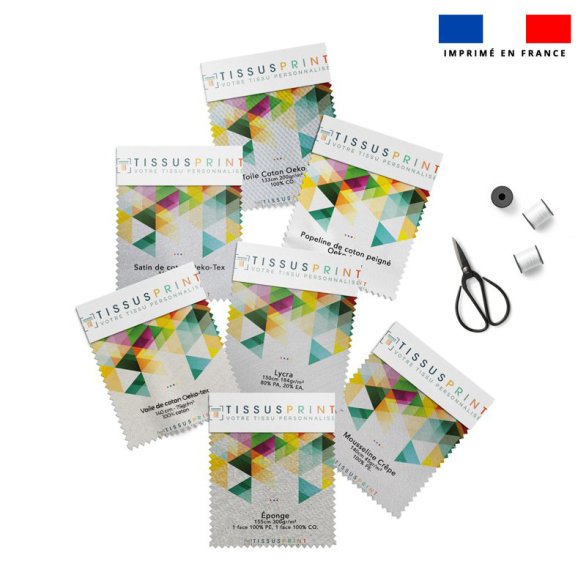
If the printing textile media is not the same, the ink will not deposit in the same way on the fiber, although this is the same pattern: the same pattern will not make the same color according to the tissues. That's why we suggest you order a sample of your personalised fabric before you place your order.
Yes, our printing processes are environmentally friendly. This on-demand printing system allows us to avoid surplus stock.
In addition, according to the printing methods used, the inks applied can be certified Oeko-Tex and / or Gots according to the machines (verifiable data in each product sheet.)
✂️ margins
A thin white border (less than 1 cm) is added by default around a coupon: Remember to provide an extra margin.
Print guide
Create your personalised fabric happen in 5 simple steps :
We recommend a resolution between 150 and 300 dpi for a professional quality impression. Beyond 300 dpi, the file will be heavier without additional quality gain.
We can technically print any dpi, including a 72 dpi file (standard web quality) if you do not have a better resolution. However, it is important to understand that such a low resolution remains a restricted quality, thought for a screen display: the printing rendering will not be at the level of a high resolution file.
The size of the image will not be modified once it in our possession. It will be printed in scale 1/1 only, so it is necessary to check your file before sending to be certain that the size corresponds to your needs.
For a personalised fabric, the colored color profile applied depends on the tool used:
| Tool used | ICC color profile applied | Explanation |
|---|---|---|
| Personalized fabric Picture placed / Repeat image | Your own ICC profile | This is the ICC color profile integrated into your premium file: the one you apply to your visual will be used for printing. |
| Personalized fabric Patchwork mounting (several images on the board) | sRGB IEC61966-2.1 | As soon as more than one image is assembled on the Patchwork board, it is the color profile of the machine that is applied (cotton printing and polyester.) |
| DTF transfer movie (via the dedicated product sheet) | Free, with mandatory ICC | You can use the ICC profile of your choice, as long as it is built into the file. This guarantees a faithful conversion to our workflow. |
| Custom textiles (T-shirts, bags, pockets, etc.) | Artifex Software SRGB ICC Profile | This profile will be automatically applied when printing. For better color matching, use it from creating the file. |
Good general practices
We accept the files in color mode CMYK that RGB, however, we strongly recommend using RGB mode, because it offers a wider and brighter range of colors, which allows a better visual rendering on screen.
> Important: whatever the color mode or color profile built into your file is the rGB profile of our printing tool which will be applied automatically at the time of printing.
In order to minimize color gaps between what you see on the screen and the printed result, we recommend working directly with the following RGB color profile: 👉 sRGB IEC61966-2.1
This profile is closest to the one used by our online printing tools, which guarantees a better match between your digital visuals and the final tissue rendering.
📌 Unlike other RGB profiles like Adobe RGB 1998, which offer a larger palette but can produce deviations when printing, sRGB IEC61966-2.1 is the one that ensures the best color fidelity with our machines.
Summary of good practices :
To go further, check out our full guide to prepare the file oftextile printing perfect.
Your file can weigh up to 100 MB maximum.
📌 Note: for a patchwork mounting, each file component the board can individually weigh up to 100 MB.
Files exceeding 100 MB will automatically be refused when sending. We therefore recommend that you reduce the size of your file before sending: Think about compress or flatten your file, and delete any useless element (rules, empty layers, etc..)
For the size of your file, you can follow these simple steps depending on the operating system of your computer:
On Windows:
On Mac OS:
Verify that your file is well flattened : files with layers can be larger. So make sure to flatten before saving them.
Save your file in LZW (for TIFF files): This compression method can dramatically reduce the size of your file without compromising the quality of the image.
Use online tools to compress the image : many sites offer free compression tools. Be sure to select a compression that maintains acceptable quality for your project.
We recommend 4 types of formats:
If you need convert your file in TIFF format, you can do it easily with software like Photoshop ("file" menu → "Save As" → TIFF format, with LZW compression), or via online tools like IlovePDF.com.
The maximum width is that of the print medium itself, or 1600 cm. However, our fabrics do not all have the same laizes: refer to our material guide to know all the widths.
If your file does not load correctly, it can come from a memory kept in memory by your browser. Here are the solutions to try:
If the problem persists, you can contact our support by indicating the format of your file, size, and screenshot if possible. 😊
The printer always adds a white border by default around a coupon, but it remains fine (less than 1 cm). That's why we advise you to always add a margin additional to the dimensions of your fabric.
A slight discoloration can occur during washing or intensive use of a fabric. In addition, if the printed fabric stays in the sun for a long time, it is possible for it to be discolored. The ink we use is not anti-UV.
The risks are very high according to the subjects, between 1 and 4% per meter. Consult our material guide for the narrowing rate specific to each tissue.
If the printing textile media is not the same, the ink will not deposit in the same way on the fiber, although this is the same pattern: the same pattern will not make the same color according to the tissues. That's why we suggest you order a sample of your personalised fabric before you place your order.
Yes, our printing processes are environmentally friendly. This on-demand printing system allows us to avoid surplus stock.
In addition, according to the printing methods used, the inks applied can be certified Oeko-Tex and / or Gots according to the machines (verifiable data in each product sheet.)
Temperature & Program : Washing at 30 ° C, delicate cycle. This minky dries quickly thanks to its polyester composition.
To avoid : bleach, strong spinning, prolonged soaking, high temperature dryer that can flatten the hair.
Hair maintenance : A slight brushing after washing makes it possible to revive the softness and the volume of the hair.
To go further: Check out our Full file preparation guide for thetextile printing, our article " Create your personalized fabrics for baby ", Our guide" Create your personalized coverage "And our Full guide to customize a plaid.
Our commitment
Our commitment
Give life to your creations with our sweet mink, safe and perfectly personalized, carefully printed in France.
 Muriel P.
We wanted a soft and warm fabric with our personalized images and we are not disappointed! (Translated review)
Alizé l. Exceptional fabric and design to match my order (Translated review)
Livia M. As described (Translated review)

Get our latest news and special sales